1 min read265 words
Ritual
A task manager with habits built in, for iPhone. Runs on your iPhone, with no account to sign into.
There are already many good to-do apps, like Things, and hundreds of habit apps, but I didn't want to use them separately. I wanted a clean to-do list with habits built in, so my routines sit beside the day's tasks.
What makes it different#
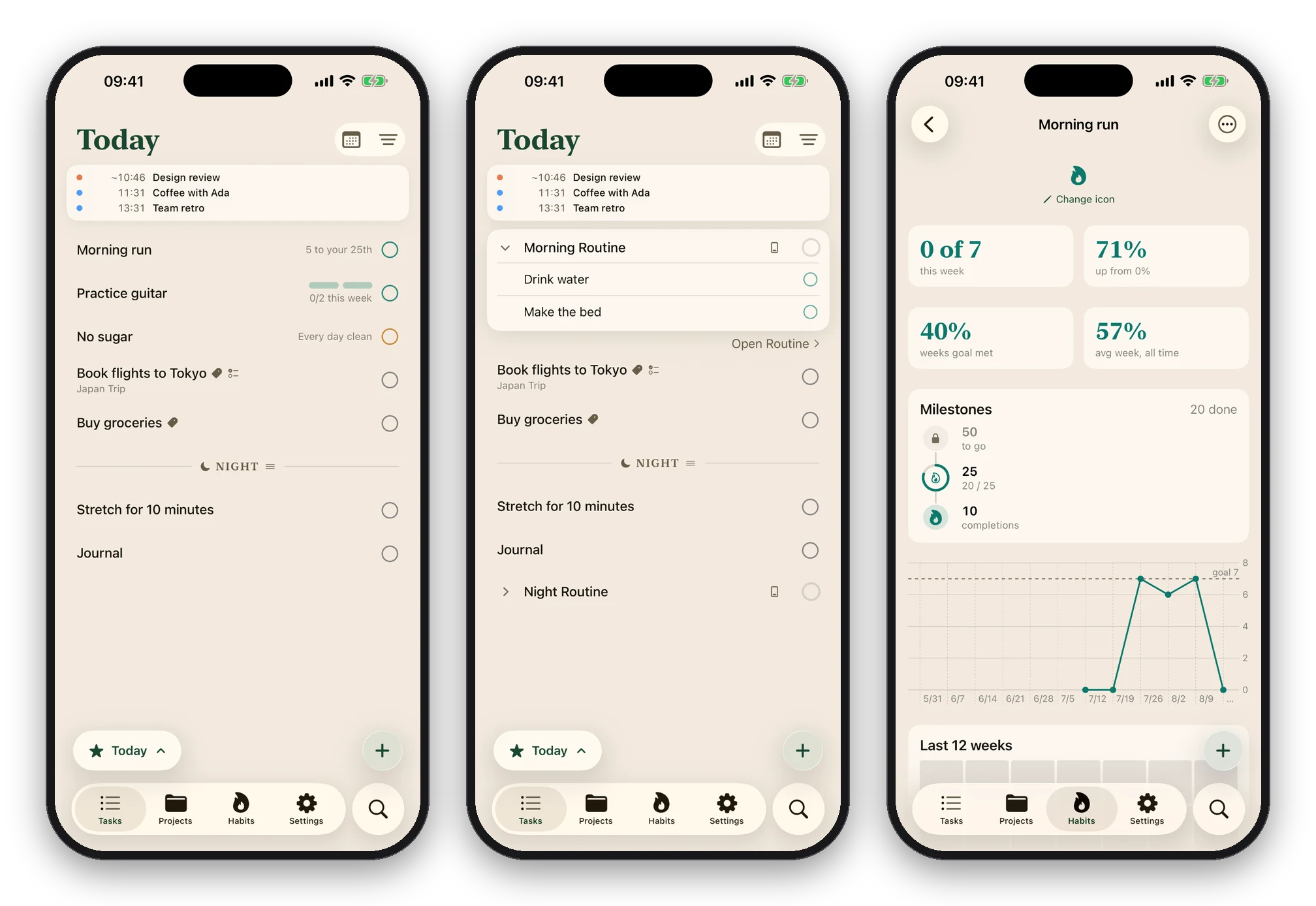
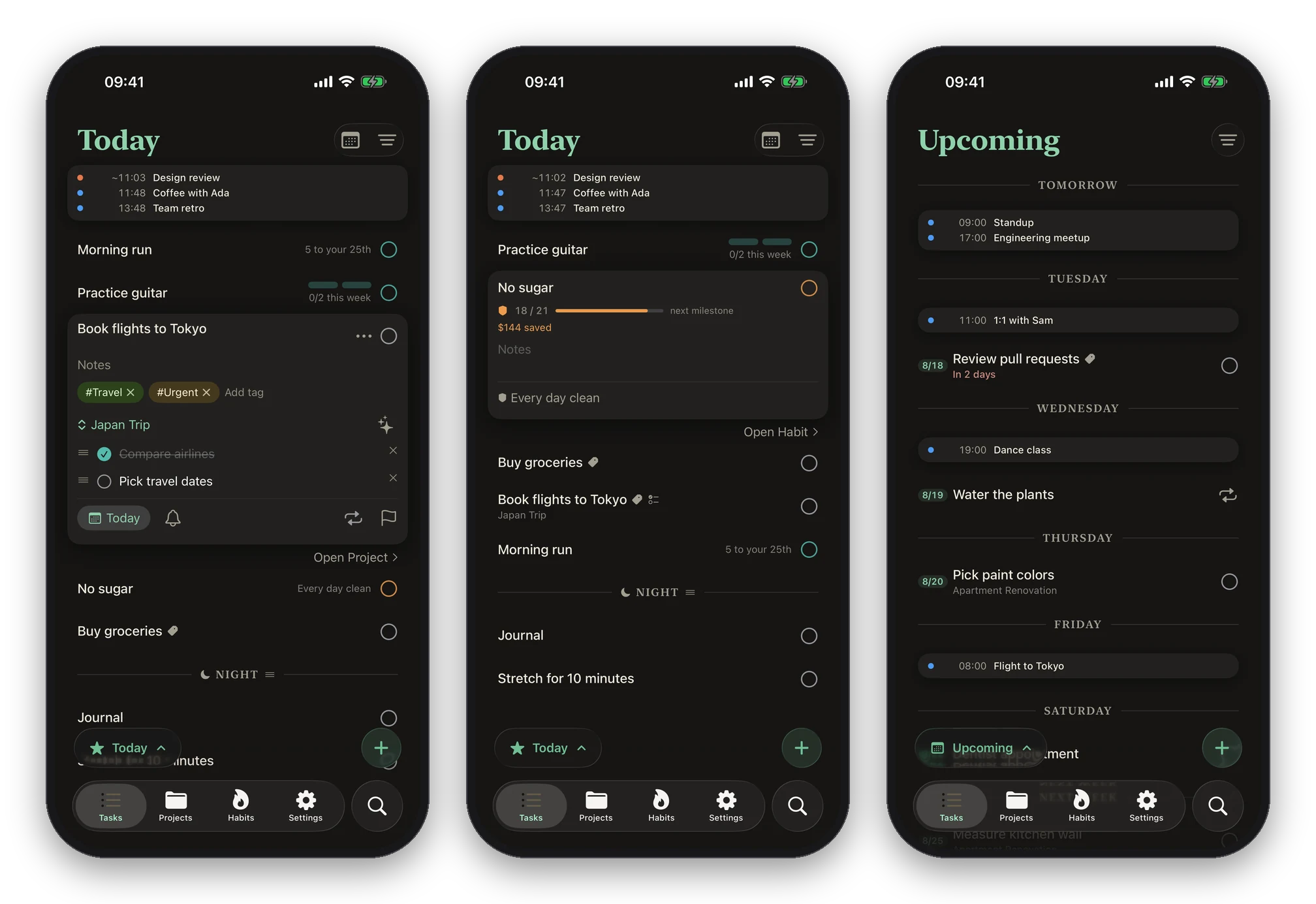
Habits are built in. A habit is not a repeating task. It keeps its own history, and your habits sit beside today's list.
Routines. A routine is a sequence of habits you do in order, in the morning or at night. You drag the habits into the order you do them, and the routine's reminder lists each one.
AI can manage your to-dos. Ritual has an MCP server, so Claude or any other MCP client can read your day, add, reschedule and complete tasks, and check in habits. It comes with Ritual Cloud, an optional subscription that mirrors your data to Ritual's server, where the MCP server reads and writes it. Your devices pick up the AI's changes the same way they sync with each other. Without Ritual Cloud there is no account, and your data stays on your devices and in your iCloud.
Where it runs#
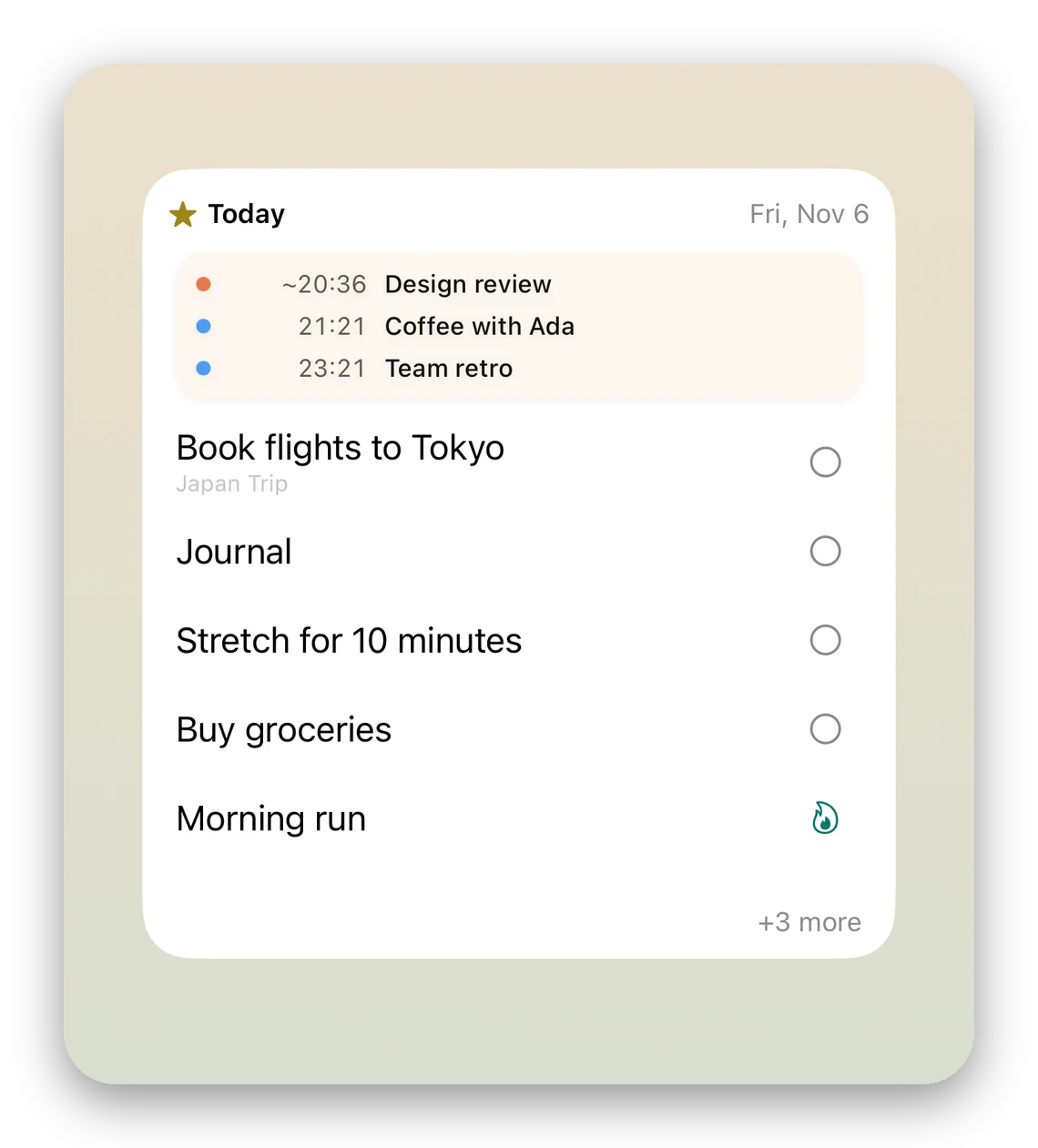
- iPhone, with widgets on the Home Screen and Lock Screen. The habit widget has a check-in button, so you can check in without opening the app.
- Control Center, and your Focus modes: during Work, only your work calendars and projects show.
- A Mac app in the menu bar.
- A command-line tool and a Raycast extension. Both read the same store on your Mac, with no account and no network.